


Short-form social AI video
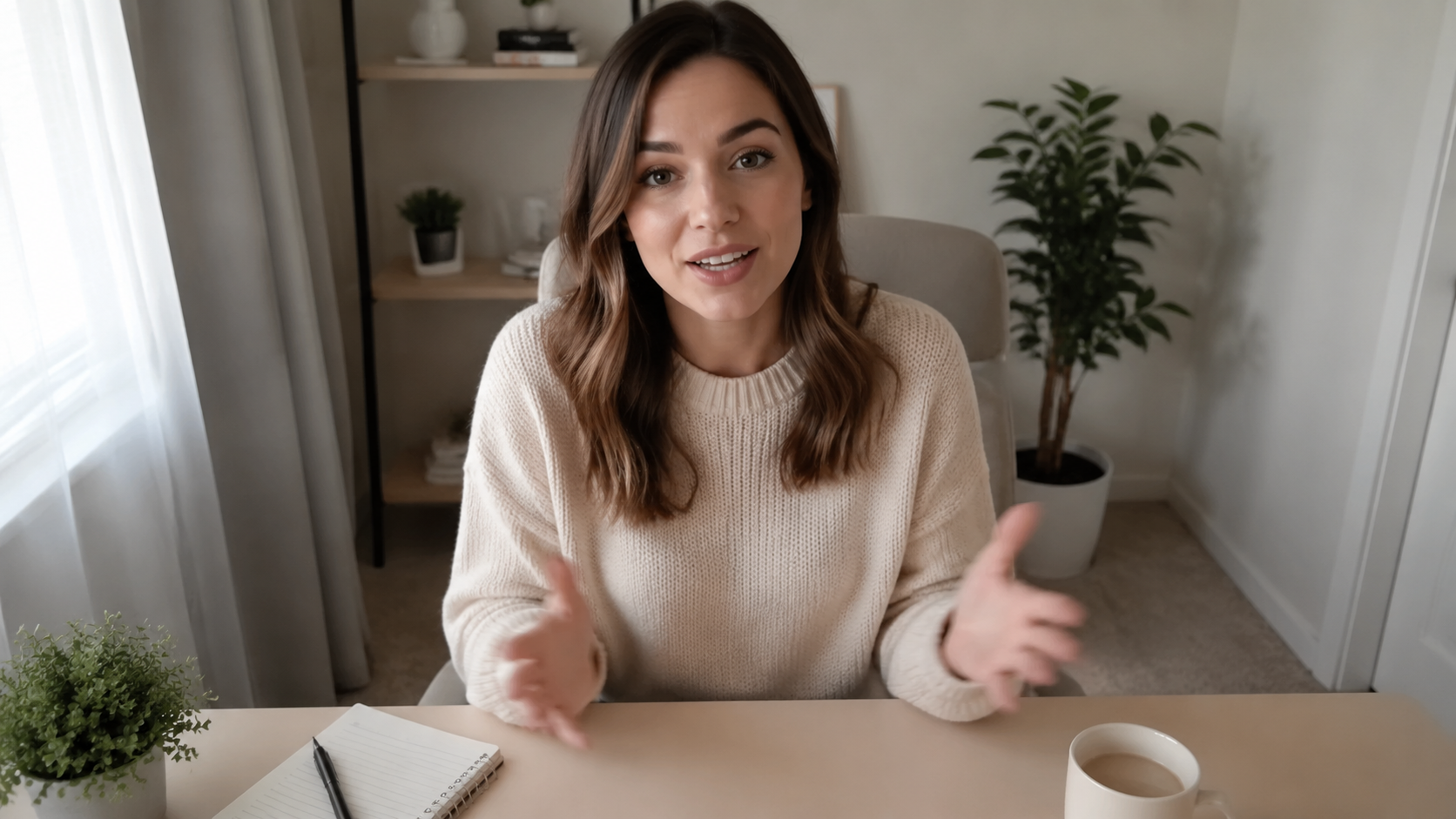
A vertical 30-second AI video cut for TikTok, Reels, and Shorts — with hook, beat, captions, and a sound that earns the algorithm.
Tell me what to make. I plan it, pick the right AI video and image models, run every step, and deliver finished work — ads, social cuts, product shots, story trailers.
One workspace. Every image and video model.
What is OmniAI
OmniAI is built as one chat partner. Describe what you want, the work gets planned, the right model gets picked, and a finished piece comes back. One workspace, not ten tools.
Stop switching between five image tools and three video tools for every shot. Each step routes to the right model automatically.
Storyboard, references, voiceover — all approved in chat before a single credit burns on a guess.
Sized, captioned, exportable. Not a 5-second teaser to stitch together. Every render comes back ready to publish.
Your brand, references, and past style decisions persist across every video and image you ship with OmniAI.
OmniAI orchestrates dozens of generative models behind a single conversation. You pick outcomes, not tools.
Not another model UI. This is a partner that plans, renders, edits, and ships work on your behalf.
Every model, one partner
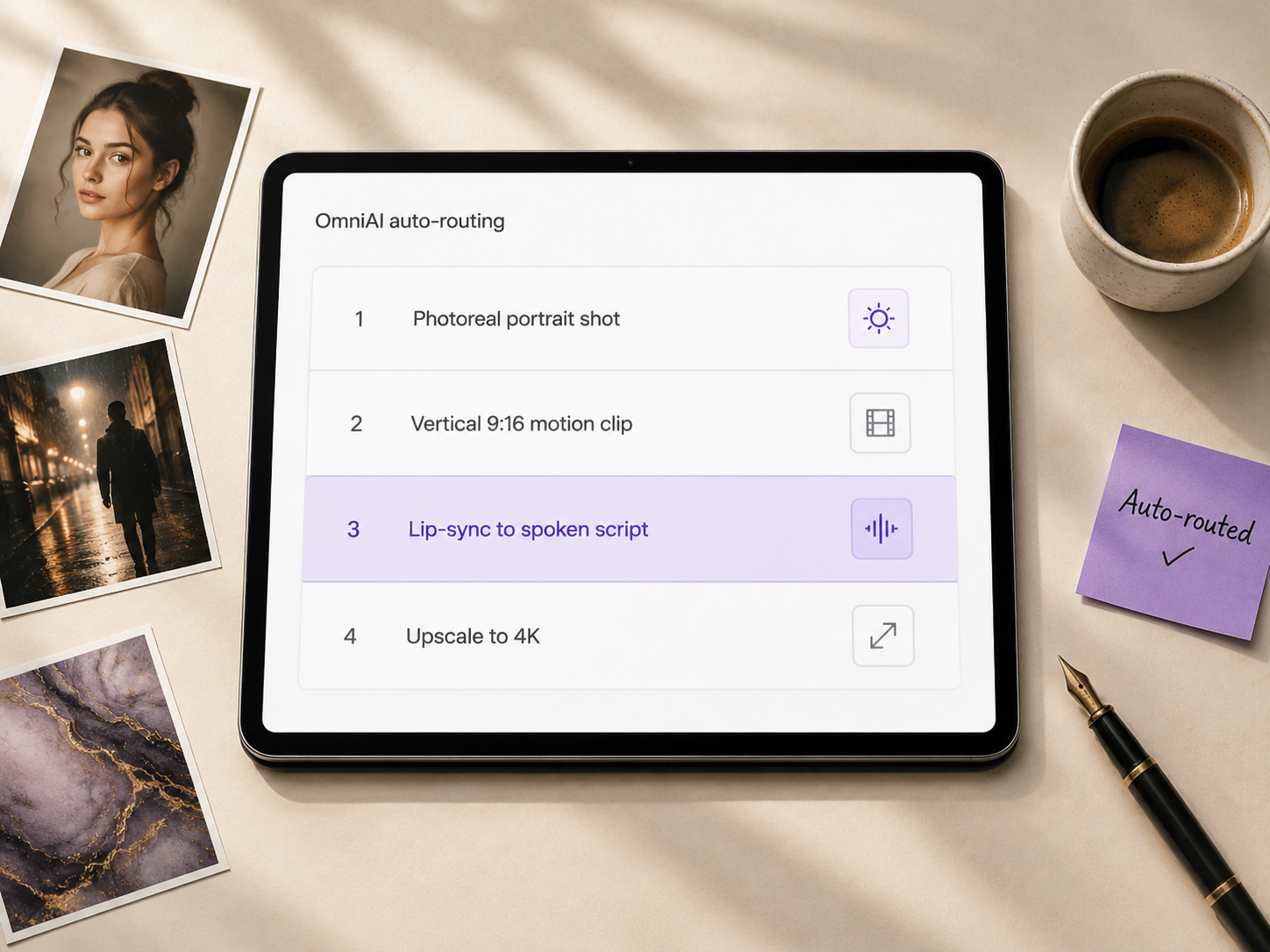
You should not be choosing between five image models and three AI video models for every shot. Describe the outcome — I route each step to the best available AI video and image model, then assemble the final piece. New models ship every month; you never have to relearn anything.
Plans, not just clips
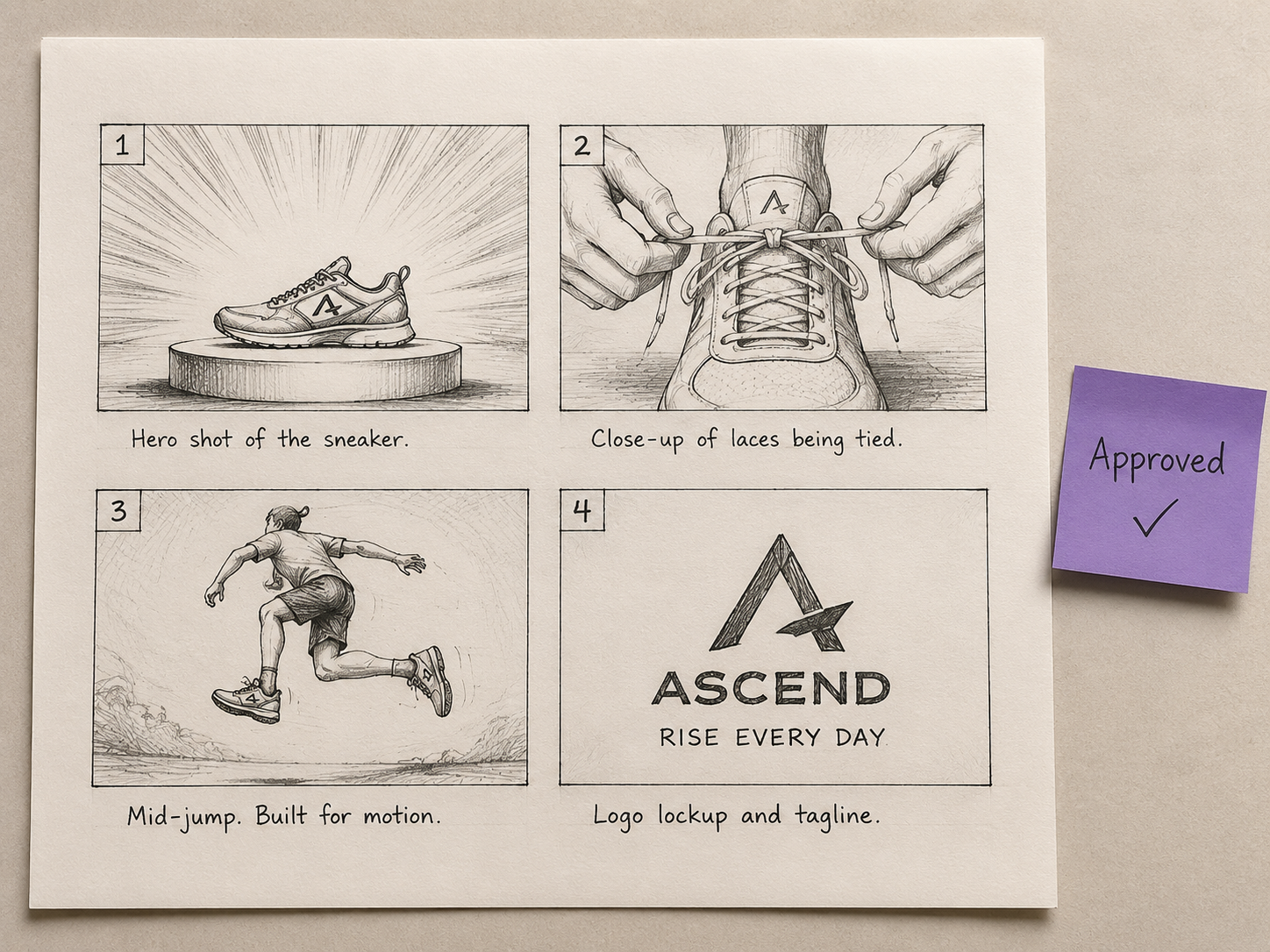
Before you finish your idea, I am already drafting the storyboard, choosing references, and lining up voiceover and music for your AI video. You see the plan, change anything, then I run. No surprise renders, no wasted credits, no 30 attempts to land one shot.
Finished work, not snippets
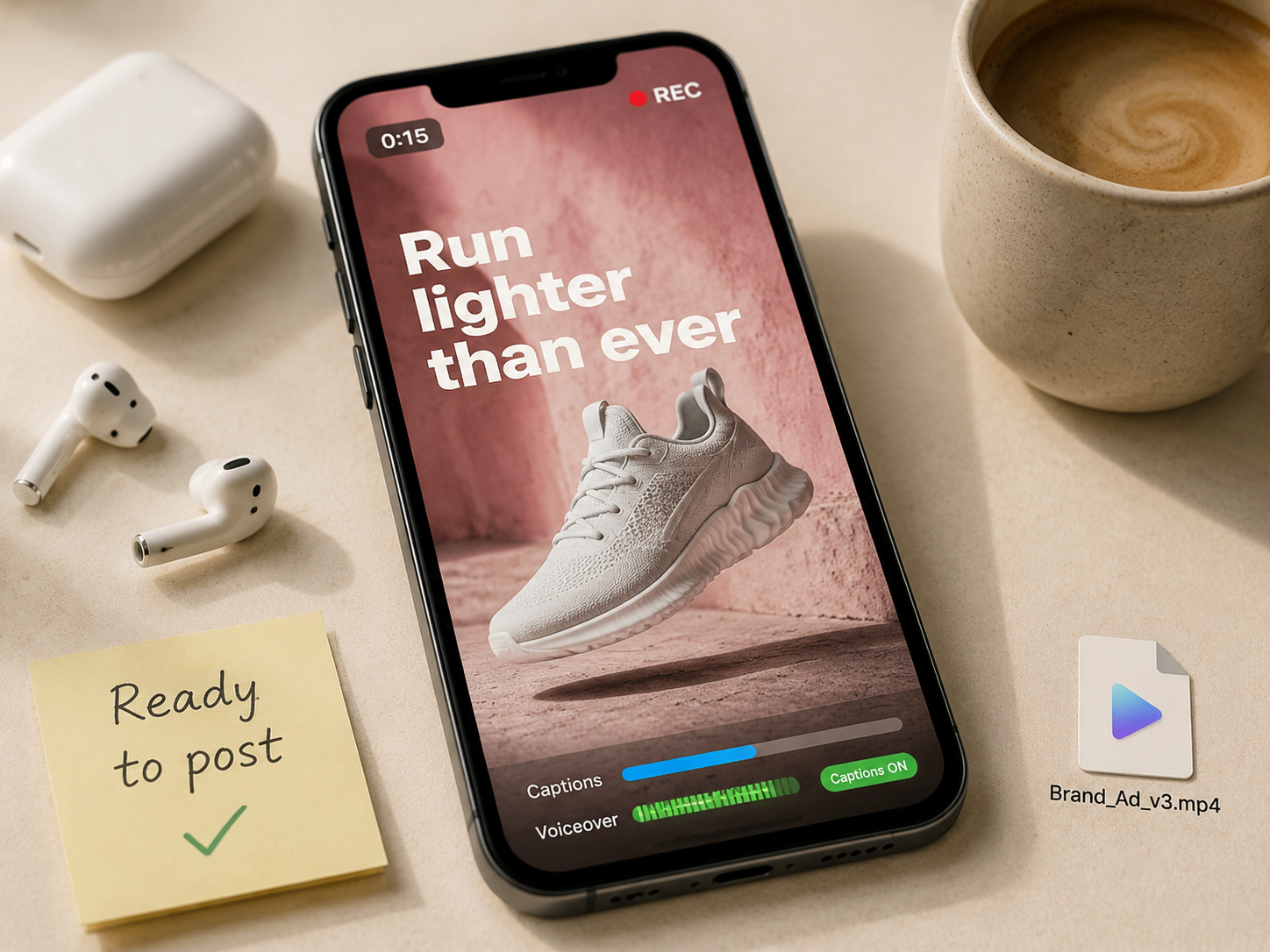
What you get is a finished AI video ready to post — voiceover, captions, transitions, the right aspect ratio for the platform. No timeline editor. No fragment to glue together later. Every AI video render comes back exportable, sized, and on brief.
Your taste, not generic AI
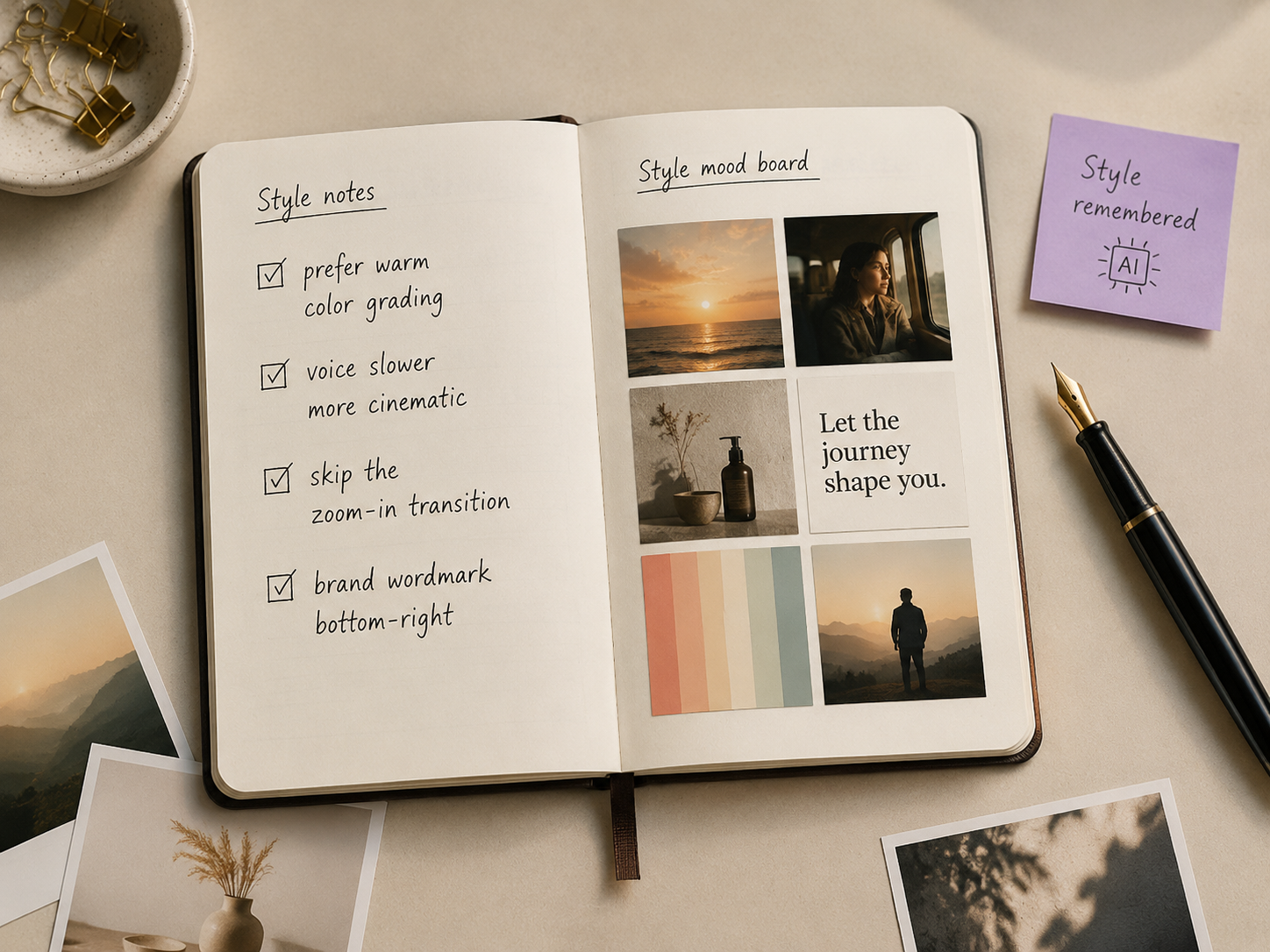
Tell me what to change. I keep what works, swap what does not, remember your style across every AI video and image you ship. No starting over. No re-uploading references. Your style sheet builds itself.
Built with OmniAI
A vertical 30-second AI video cut for TikTok, Reels, and Shorts — with hook, beat, captions, and a sound that earns the algorithm.
Upload the product photo. Get a 15-second AI video ad with voiceover, dynamic shots, and a closing CTA — sized for Meta, TikTok, and YouTube.
A cinematic 10-second logo intro with motion, voiceover, and sound design. Drop this AI video on every project your team ships.
Type the story. I cast the look, write the script, build the scenes, and edit it into a 60-second AI video trailer with original score.
FAQ
OmniAI is an AI creative agent for video and image. Describe the outcome; the work gets planned, the right generative model is picked for each step, every scene renders with voiceover and captions, and a ready-to-post piece comes back. The brief can start as a sentence, a photo, or a script — no timeline editor needed.
No — that is the OmniAI job, not yours. Each task is evaluated for style, format, and length, then routed to the strongest available model. New engines plug in over time and routing updates automatically, so you stay focused on the outcome instead of relearning every release cycle.
Short-form vertical videos, product ads, brand intros, story trailers, photo grids, character scenes with lip sync, voiceover renders, and full multi-scene videos with captions and music. Each piece starts from a sentence, a photo, or a script, and ships sized for the platform you name — TikTok, Reels, Shorts, YouTube, or Meta.
Yes. Tell the chat what to change in plain language — "make scene 3 brighter, swap the music for something calmer, redo the voice with a warmer tone" — and only the parts called out get reworked. No timeline editor, no rerendering the whole thing. Iterations keep what works and replace the rest.
Each task is matched to the model with the strongest track record for that exact kind of output — style, format, length, motion. The routing decision is shown in the plan before any credits burn, so you can override it or approve as-is. New image and video engines plug into the routing as they ship.
Uploads, brand guidelines, reference photos, and stylistic notes live in one persistent workspace. Across every project, your color choices, voice direction, and visual preferences are applied without re-uploading references. The longer the workspace stays in use, the closer the first render lands to your brand baseline.
Yes. Everything generated is yours to use commercially — ads, product launches, client work, agency deliverables, and social. Commercial license is included on all paid plans, with no per-asset fees and no watermark. Free plan output is for personal evaluation only; once you upgrade, the license clears retroactively on what you already made.
Plans start with free starter credits so you can run a few renders before paying. Paid plans add commercial license, longer render queues, and full workspace history. Pricing is metered by credit consumption, so cost scales with the size and length of what you ship. See the pricing page for plan details.
Free starter credits. No credit card.